AI Dance Effect Trends: Viral Video Moves Creators Can Make Faster
AI dance effect videos are blowing up on TikTok and Instagram. Learn how these viral effects work, which styles are trending, and how creators can use them safely and creatively.
By Movi AI Team
Movi AI Editorial Team
If your For You Page suddenly looks packed with impossible choreography, duplicated dancers, and motion-synced transitions, you are seeing the rise of the ai dance effect. This trend is taking over TikTok and Instagram because it turns simple clips into high-energy short videos that feel polished, playful, and instantly shareable.
For creators, the real appeal is speed. You do not need a full studio shoot or advanced editing stack to make movement-driven content feel bigger. With modern AI video effects, one short clip can become a stylized dance edit, a character performance, or a remix that fits current trending AI effects without hours of manual keyframing.
Why the ai dance effect is trending right now
- Movement grabs attention fast in the first second of a short-form video.
- Loop-friendly choreography performs well on TikTok and Instagram Reels.
- Creators can turn ordinary footage into performance content even without pro dance skills.
- AI tools make it easier to add motion trails, clone dancers, rhythm syncing, and stylized body animation.
- Dance-based edits often pair well with other viral tools like anime filter AI, AI beauty filter, and lip sync AI.
"The best viral effects do not just look cool, they help creators tell a familiar story in a new visual language."
How ai dance effect tools work behind the scenes
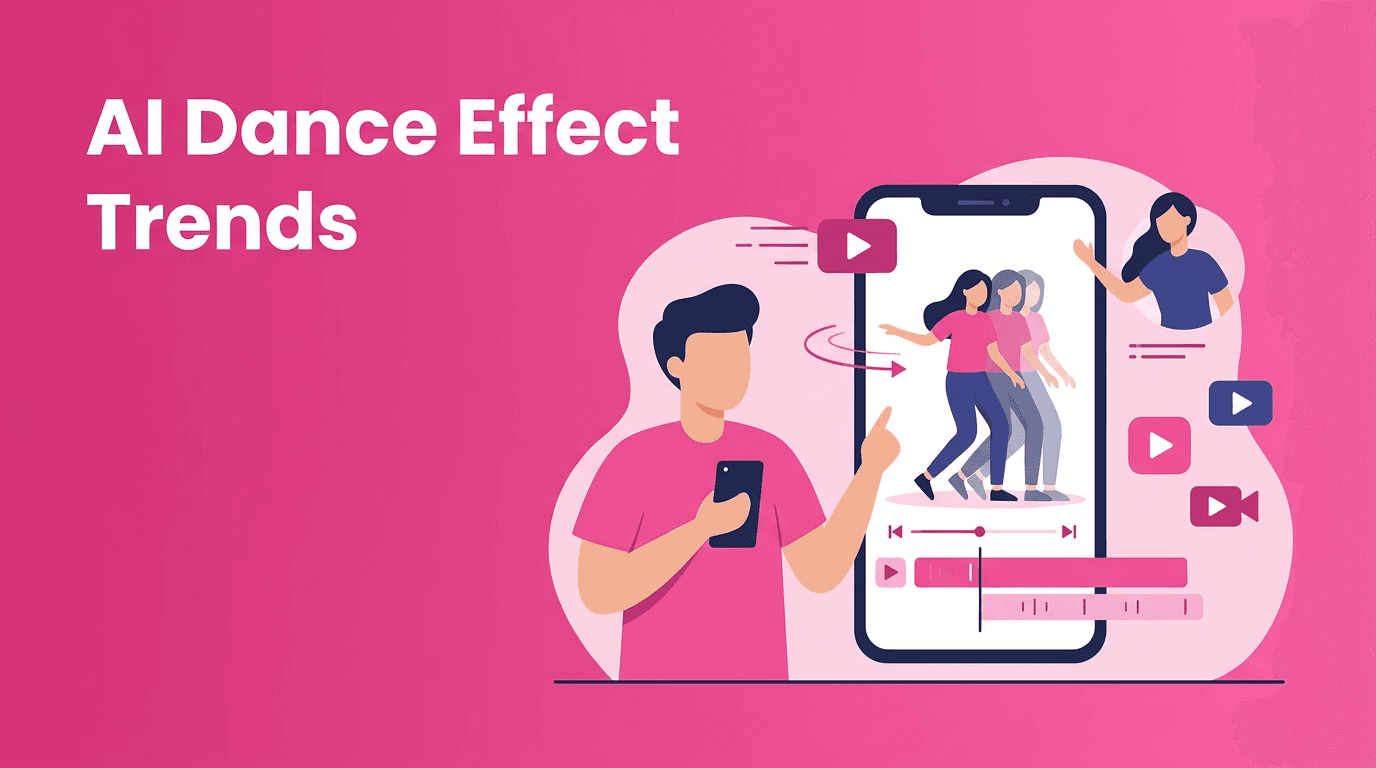
Most ai dance effect tools combine several technical steps. First, the model detects a person in the frame and tracks body landmarks such as the head, shoulders, elbows, hips, knees, and feet. This is often called pose estimation. Once the system understands body position over time, it can map motion, duplicate movement, exaggerate gestures, or transfer choreography onto a stylized character.
Some tools also use motion interpolation to create smoother in-between frames, while others apply video-to-video generation to restyle a person into an animated or cinematic version. In advanced setups, AI can separate the subject from the background, sync movement to beats, and apply an AI video filter that changes the whole mood of the clip.
The simple version creators should remember
- Pose tracking figures out how your body moves.
- Beat analysis helps the effect line up with music.
- Generative video models can restyle your body, outfit, or scene.
- Face and skin detection can combine dance edits with AI beauty filter polishing.
- Scene segmentation helps isolate the subject for cleaner effects.
The hottest AI video effects creators are combining with dance content
1. Anime filter AI for performance edits
One of the biggest crossover trends is pairing dance footage with anime filter AI. Instead of posting a raw clip, creators transform themselves into stylized animated characters while keeping their motion intact. This works especially well for dramatic arm movements, spins, and silhouette-heavy choreography.
- Use clean lighting so the AI can track your pose more accurately.
- Wear contrasting clothing to help subject separation.
- Keep camera shake low for sharper anime-style conversion.
- Choose movements with clear shapes instead of tiny gestures.
2. AI face swap for character-based skits
AI face swap remains popular when creators want to turn a dance trend into a meme, character parody, or fandom clip. Technically, these systems detect facial landmarks, align the replacement face, then blend expressions across frames so the result looks consistent. It is eye-catching, but this is also where ethics matter most.
- Only use ai face swap with consent.
- Avoid misleading viewers with fake identity content.
- Use it for obvious comedy, storytelling, or fantasy edits, not deception.
- Check facial alignment in fast-motion sections before posting.
3. AI beauty filter for polished close-ups
Not every dance clip needs a dramatic transformation. Sometimes a subtle AI beauty filter is enough to make a short video feel cleaner and more camera-ready. These filters usually smooth skin, balance tone, sharpen eyes, and adjust facial symmetry lightly while preserving motion.
4. Lip sync AI and dance performance hybrids
A growing trend in tiktok ai effects is combining motion and voice performance in one clip. With lip sync AI, creators can match spoken words or song vocals to facial movement, then layer in dance-based edits for a more complete performance. This is especially effective for character content, reaction memes, and music promotion.
5. Style transfer and other trending AI effects
Style transfer is still relevant when used with intention. Instead of applying a random look, creators are choosing aesthetics that match the song or storyline, like comic-book motion, retro camcorder texture, glossy sci-fi, or painterly dream visuals. These ai video editing effects work best when they support a strong hook instead of overpowering it.
How to make ai dance effect videos that actually perform
- Start with a simple hook in the first second. A pose hit, jump cut, or dramatic turn works well.
- Record in good light with a clean background so the effect model has better source footage.
- Keep clips short and intentional. Most viral edits get to the point fast.
- Match the effect to the audio. A strong ai dance effect lands better when motion changes on the beat.
- Test versions with and without extra effects. Too many layers can reduce clarity.
- Use captions that explain the concept, especially if the transformation happens quickly.
- Export in vertical format and preview on mobile before posting.
Want to try these viral AI effects yourself?
Use *Movi AI* to create videos from text, images, or existing clips with powerful AI effects, stylized transformations, and creator-friendly editing tools.
Download Movi AIA practical workflow for creators using Movi AI
If you want one app that covers more than a single trend, *Movi AI* gives creators a flexible way to build short-form content with AI video effects, text-to-video, image-to-video, video-to-video, and speech-to-video tools. That means you can start with a raw dance clip, a visual concept, or even a text prompt and turn it into a polished post.
- Import a short vertical clip or start from a prompt.
- Apply a movement-friendly AI video filter or stylized video effect.
- Layer character looks like anime filter AI or expressive visual transformations.
- Add facial polish carefully with AI beauty filter tools when needed.
- Experiment with performance-based options such as lip sync AI and other motion-led edits.
- Review the result for realism, clarity, and ethical use before publishing.
Ethics: where creators should slow down
The same technology that makes fun edits possible can also create misleading content. If you use ai face swap, beauty enhancement, or voice-driven performance effects, always think about consent, disclosure, and audience trust. The safest rule is simple: if the content could confuse people about who someone is or what they actually said or did, add context or do not post it.
- Get clear permission before using someone else's face or likeness.
- Avoid edits that could be mistaken for real events.
- Disclose major synthetic changes when the context is not obvious.
- Use AI to enhance creativity, not manipulate identity or mislead viewers.
Final takeaway on trending ai effects
The newest short-form trends are not just about novelty. They win because they help creators package movement, personality, and storytelling into a format people instantly understand. The best ai dance effect videos are clear, rhythmic, and built around one strong idea. When you combine that with smart use of AI video effects and responsible creative choices, you get content that feels fresh without feeling gimmicky.
Frequently Asked Questions
What is an ai dance effect?+
An ai dance effect uses AI to track body movement and apply motion-based edits like choreography mapping, clone effects, stylized animation, or beat-synced transformations.
How do TikTok AI dance effects work?+
Most use pose detection, subject tracking, and generative video processing to analyze movement and apply visual changes across frames.
Can I combine anime filter ai with dance videos?+
Yes. Anime-style video effects work well with dance clips because clear body movement gives the AI strong motion data to transform.
Is ai face swap safe to use in creator content?+
It can be safe when used with consent and clear context. Avoid deceptive uses and never post identity-based edits that could mislead viewers.
What app can I use to create ai video effects?+
You can use Movi AI to create AI videos from prompts, images, or existing footage and experiment with multiple creator-friendly video effects in one workflow.
Create stunning AI videos in seconds!
Turn your ideas into professional videos with the #1 AI video maker.
Download Movi AI